zSpace AR/VR Learning for Classrooms
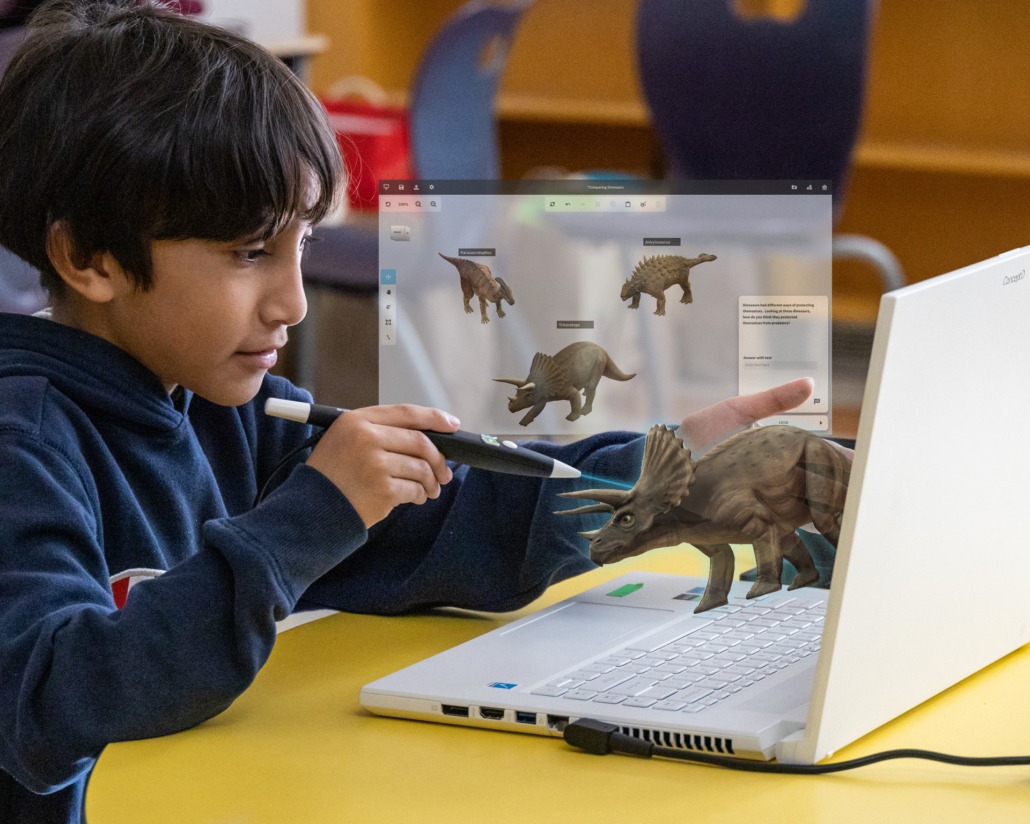
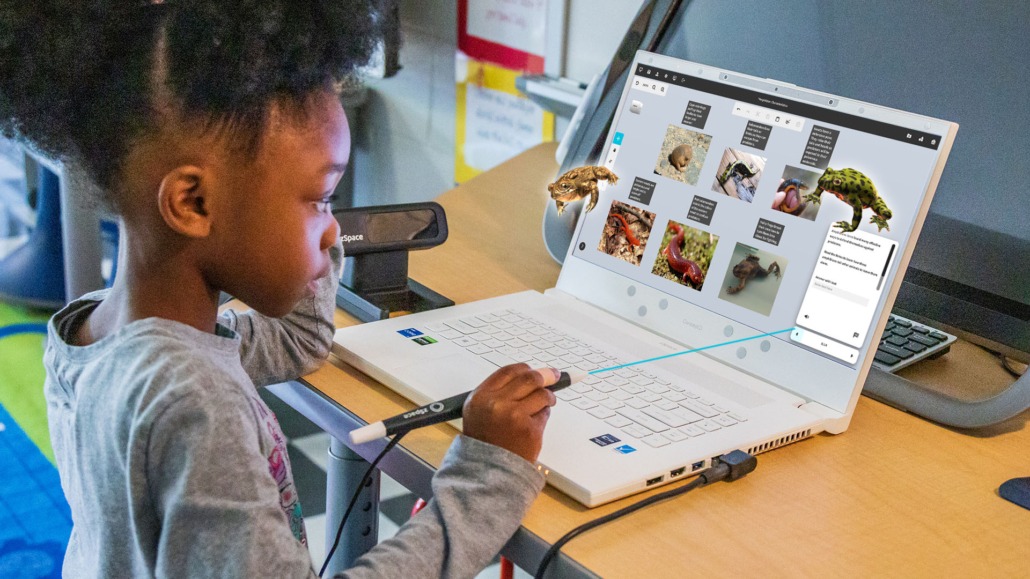
Give students the power to pull 3D content out of the screen, rotate it, explore it, and practice real skills — all without wearing a VR headset. zSpace’s Inspire and Imagine devices make immersive learning school-friendly, and Central helps you deploy it.
Used by 2,500+ organizations for AR/VR learning.
(Source: zspace.com)
Current zSpace Devices (2025)
zSpace is shipping Windows 11 Pro, stylus-tracked systems designed for K–12, CTE, and shared labs. Below is the current lineup as of Oct 31, 2025 — always confirm with Central for the latest bundles.
Inspire
Portable AR/VR laptop for general STEM and interactive classrooms.
- Windows 11 Pro, tracked display
- Stylus for precise interaction
- Great for mobile STEM/CTE carts
Inspire 2
2025 refresh (support post May 20, 2025): Windows 11 Pro, Intel Core i5-13420H, 16GB DDR5, integrated head & stylus tracking — classroom ready. :contentReference[oaicite:3]{index=3}
- 4K IPS touchscreen
- Updated tracking for smoother 3D
- Ideal for STEM labs
Inspire 2 Pro
For heavier CTE, health, and engineering content — Intel Core i7-13620H, 32GB RAM, RTX-level graphics. :contentReference[oaicite:4]{index=4}
- High-performance graphics
- Best for upper grades / career labs
- Pairs well with Central CTE buildouts
Imagine
Announced Jan 14, 2025 — headset-free AR/VR laptop with built-in eye tracking and stylus sensor module; made to be even more kid-friendly. :contentReference[oaicite:5]{index=5}
- No HMD or 3D glasses required
- Great for younger grades & library use
- 3-year warranty standard
What Students Can Do in zSpace
STEM & Science
Dissections, biology, physics, astronomy, geography — all in 3D so students can “see inside” systems that are too small, too big, or too expensive. :contentReference[oaicite:6]{index=6}
CTE & Career Exploration
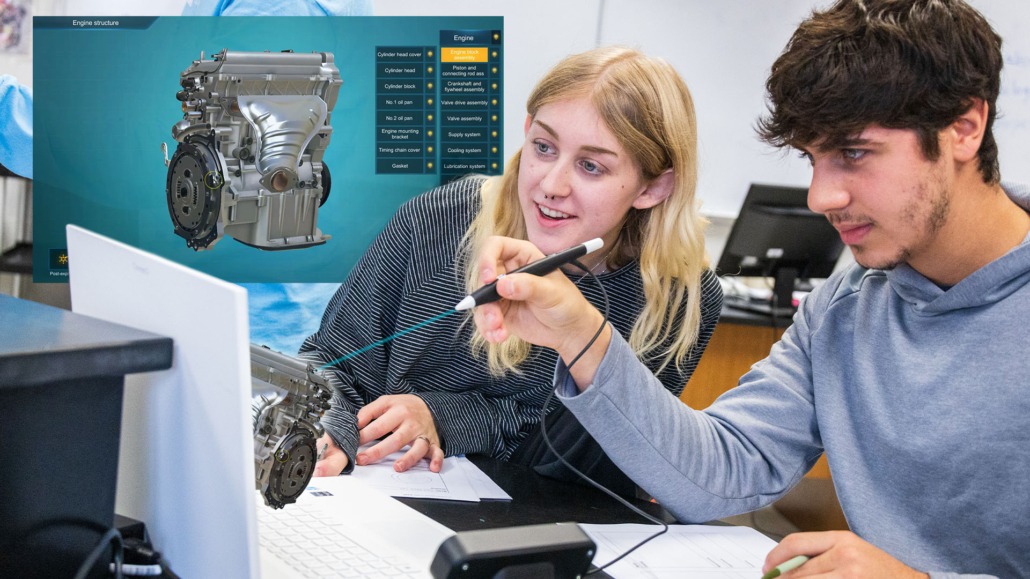
Career modules (auto, manufacturing, public safety, health) from 2024–25 updates help students try careers before they choose a pathway. :contentReference[oaicite:7]{index=7}
Health & Anatomy
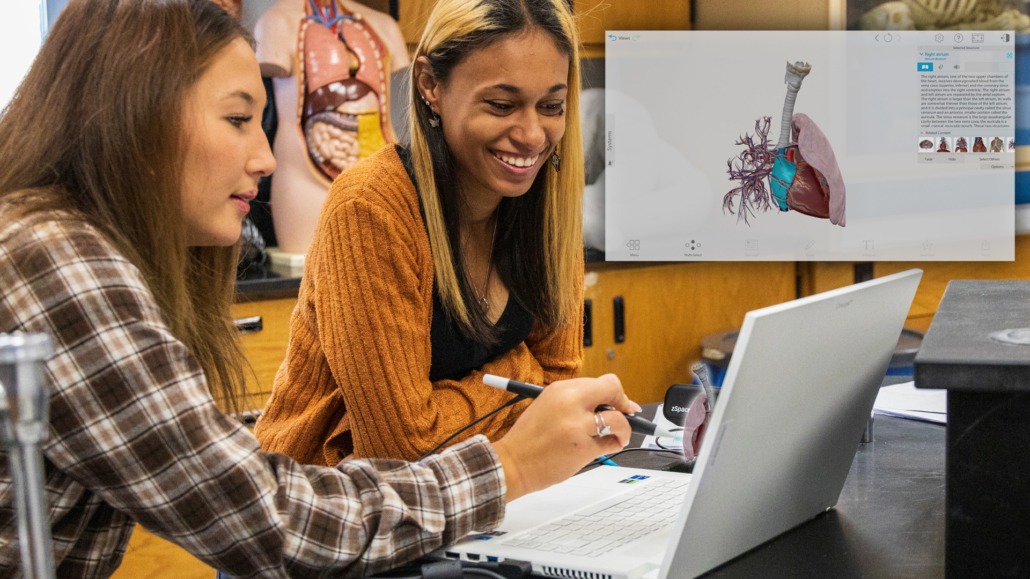
Students can explore organs, systems, and medical equipment safely — great for health science, EMT, and sports med intro. :contentReference[oaicite:8]{index=8}
SPED & Accessible Learning
Headset-free AR/VR is easier for sensory-sensitive students and shorter sessions. :contentReference[oaicite:9]{index=9}
Why add zSpace to Central’s interactive lineup?
- No headset drama. No class set of goggles, no sanitizing — just tracked glasses/stylus. :contentReference[oaicite:10]{index=10}
- Works with your panels. zSpace literally blogs about integrating with IFPs — show a 3D object on the panel, then let kids manipulate it on zSpace. :contentReference[oaicite:11]{index=11}
- Expandable. Start with 4–6 devices; add carts or lab sets later.
How Central helps
- Lab / cart / classroom rollout planning
- On-site or virtual teacher training
- Bundle with panels, HoverCam, Clear Digital MÜV, esports, CTE
- Funding language for Title IV-A, Perkins V, 21st CCLC, USDA DLT
Need a showpiece for your Innovation / Interactive Classroom pages? zSpace is a good one.
Funding Ideas (2025)
Title IV, Part A
“Effective use of technology” + STEM + well-rounded education — zSpace fits when it’s tied to instruction. (ED SSAE guidance, 2025.)
Perkins V (CTE)
Use in health science, manufacturing, and career exploration labs — especially with Inspire 2 Pro.
21st CCLC
After-school STEM and summer learning — zSpace is highly engaging in short sessions.
USDA DLT (rural)
When you’re equipping multiple campuses with interactive/AR/VR learning through one hub.
Ready to see zSpace in action?
We can demo the Inspire line, talk through curriculum, and show how it pairs with your interactive classroom and CTE pages.
Schedule with Central